
Ten clipboard slots, one keystroke away.
clipBoar turns your Mac's clipboard into ten hotkey slots with a searchable history and smart snippets — and keeps every byte of it on your machine.
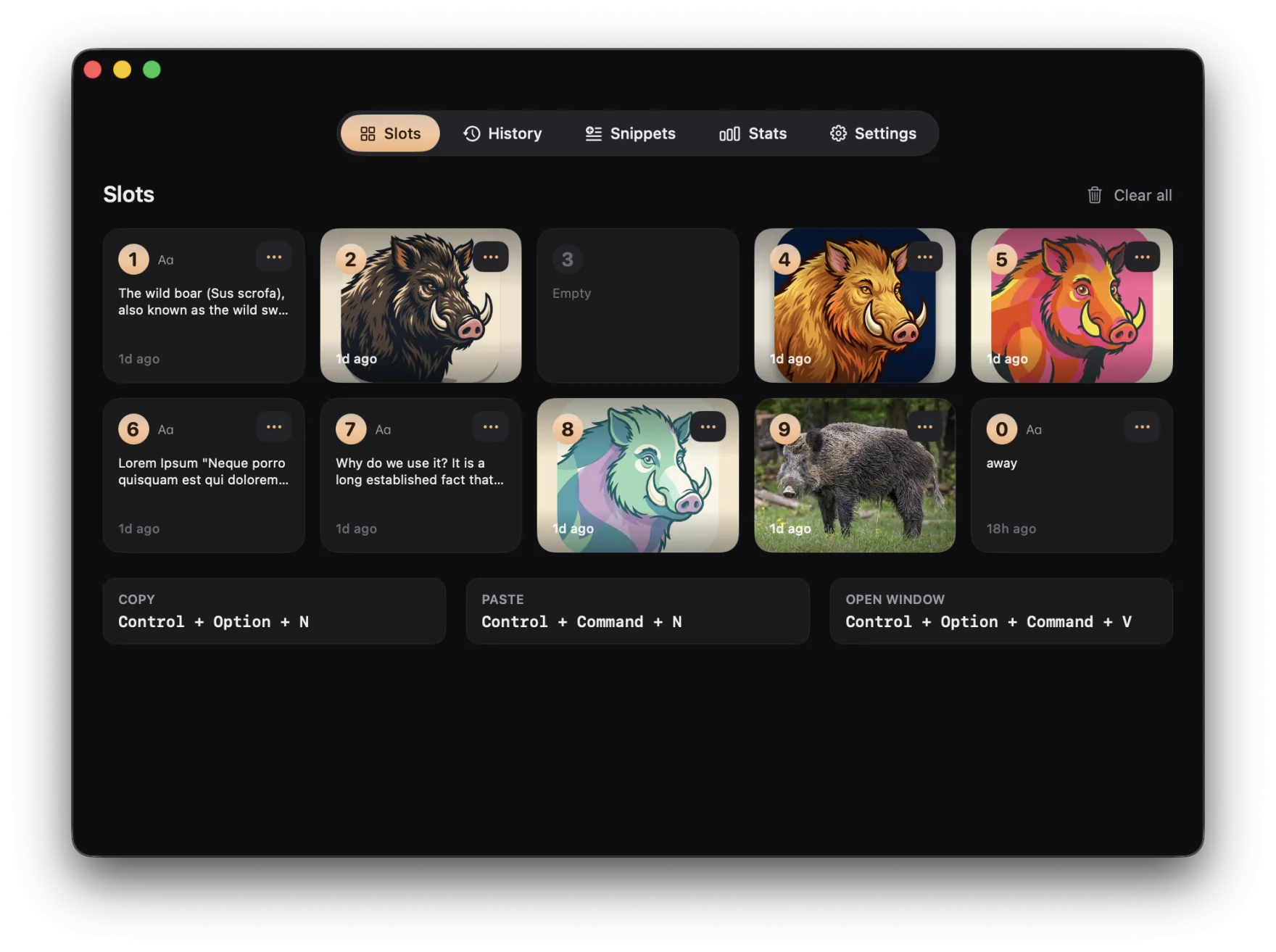
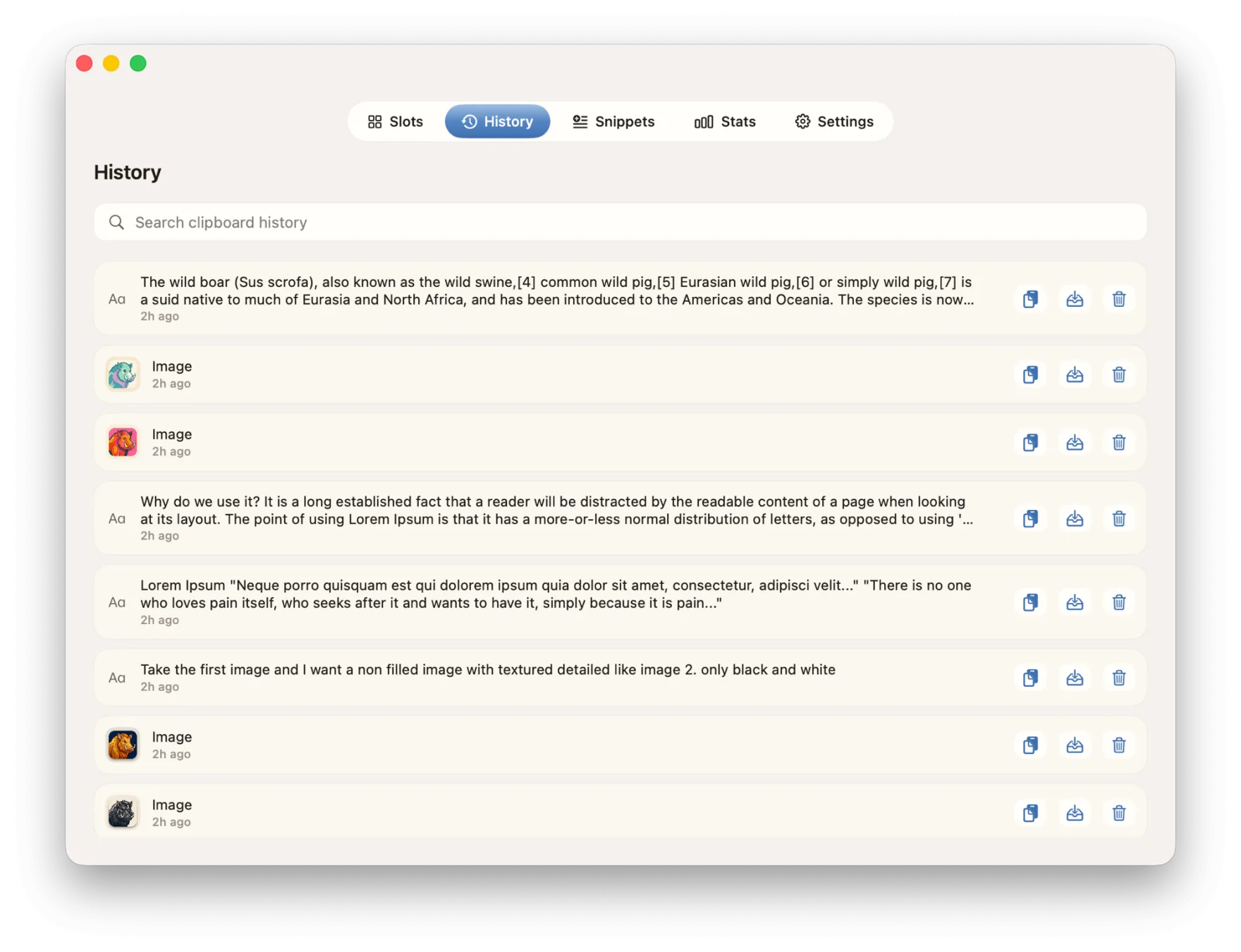
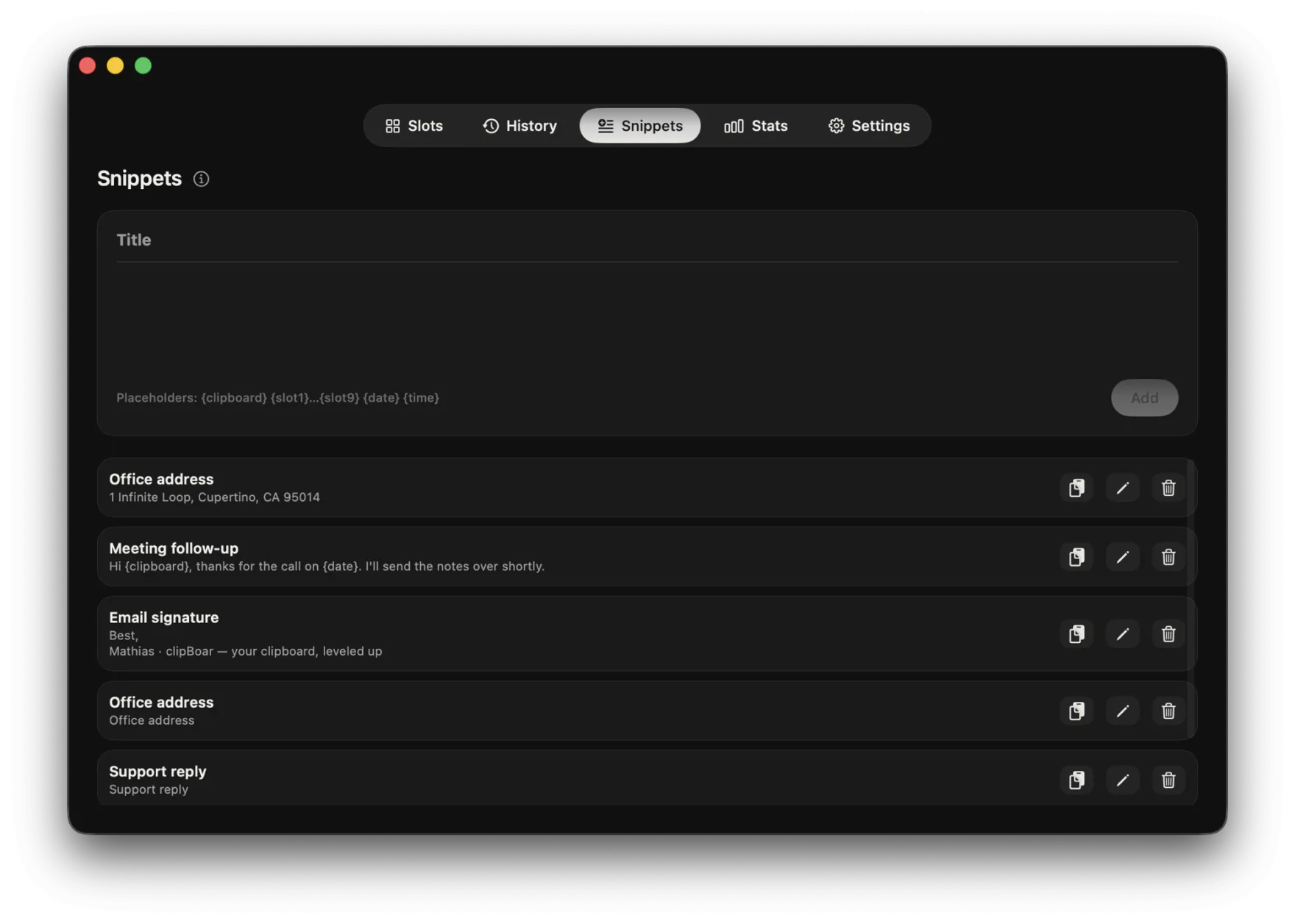
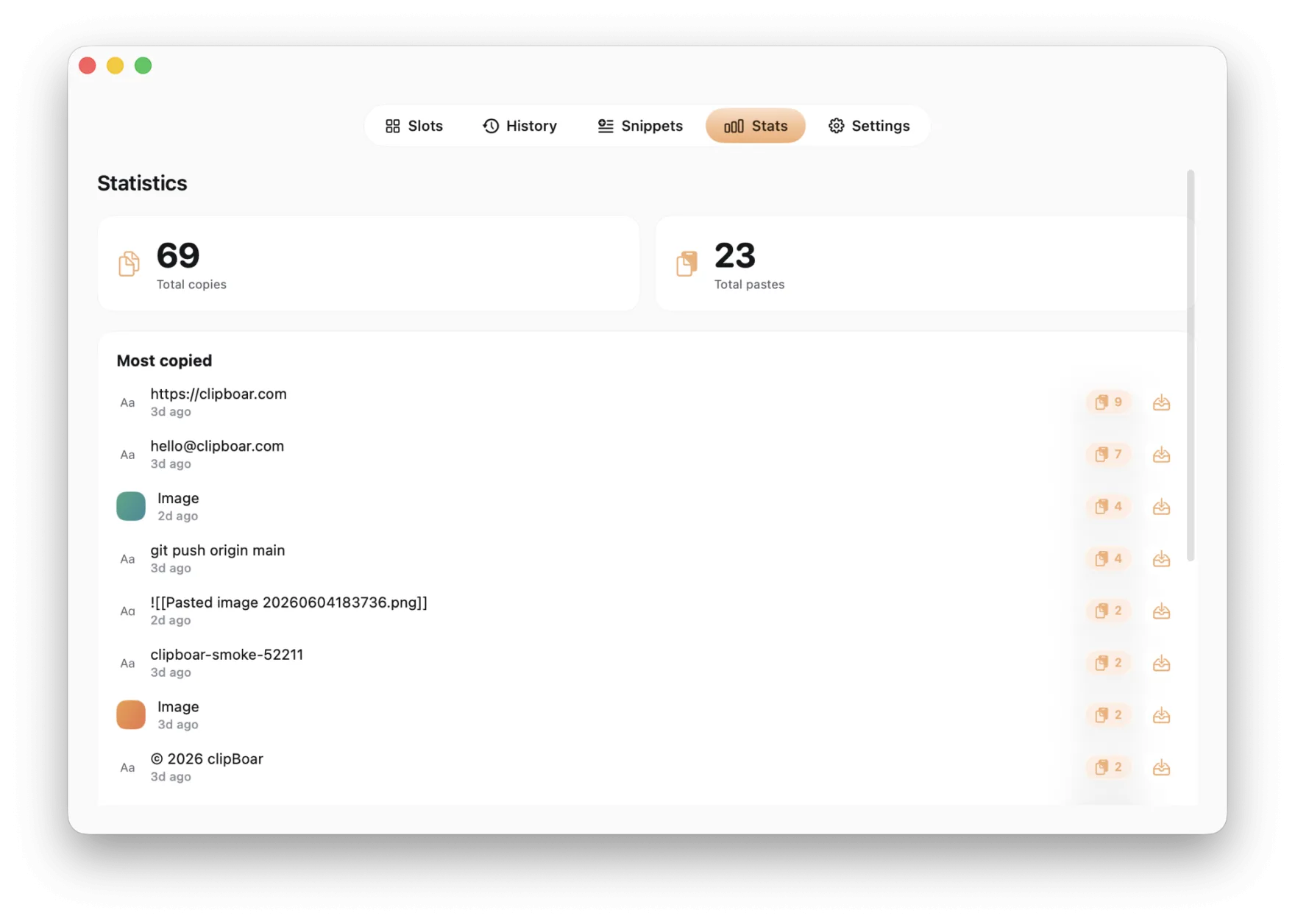
Muscle memory for copy-paste.
Select a link, an address, a paragraph — anything — and stash it in a slot with Control + Option + 1. Drop it into any other app, an email, a chat box, with Control + Command + 1. No menus, no list to scroll — just the keys your fingers already know.

Your clipboard never leaves your Mac.
No cloud. No account. No analytics. clipBoar's only network calls are checking for updates and validating your license — your clipboard is never in them. Your history lives only on your machine, and only you can see it.
Every copy, one search away.
A rolling, searchable history quietly remembers what you copied — so the link from an hour ago is always a keystroke away, never lost to the next copy.
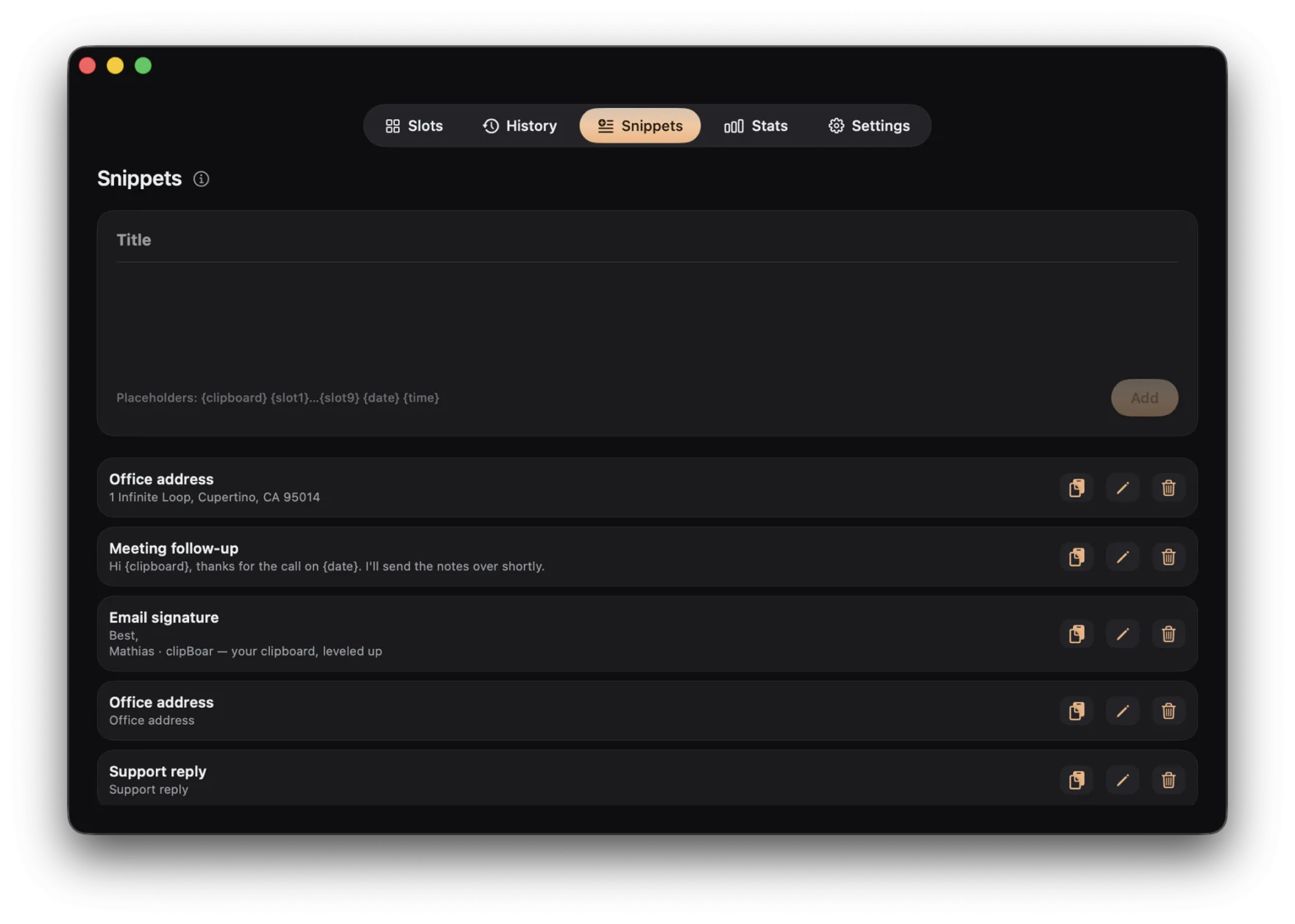
Templates that finish themselves.
Save the text you type all the time, with placeholders like {slot1}, {clipboard}, and {date} that fill in automatically the moment you paste.
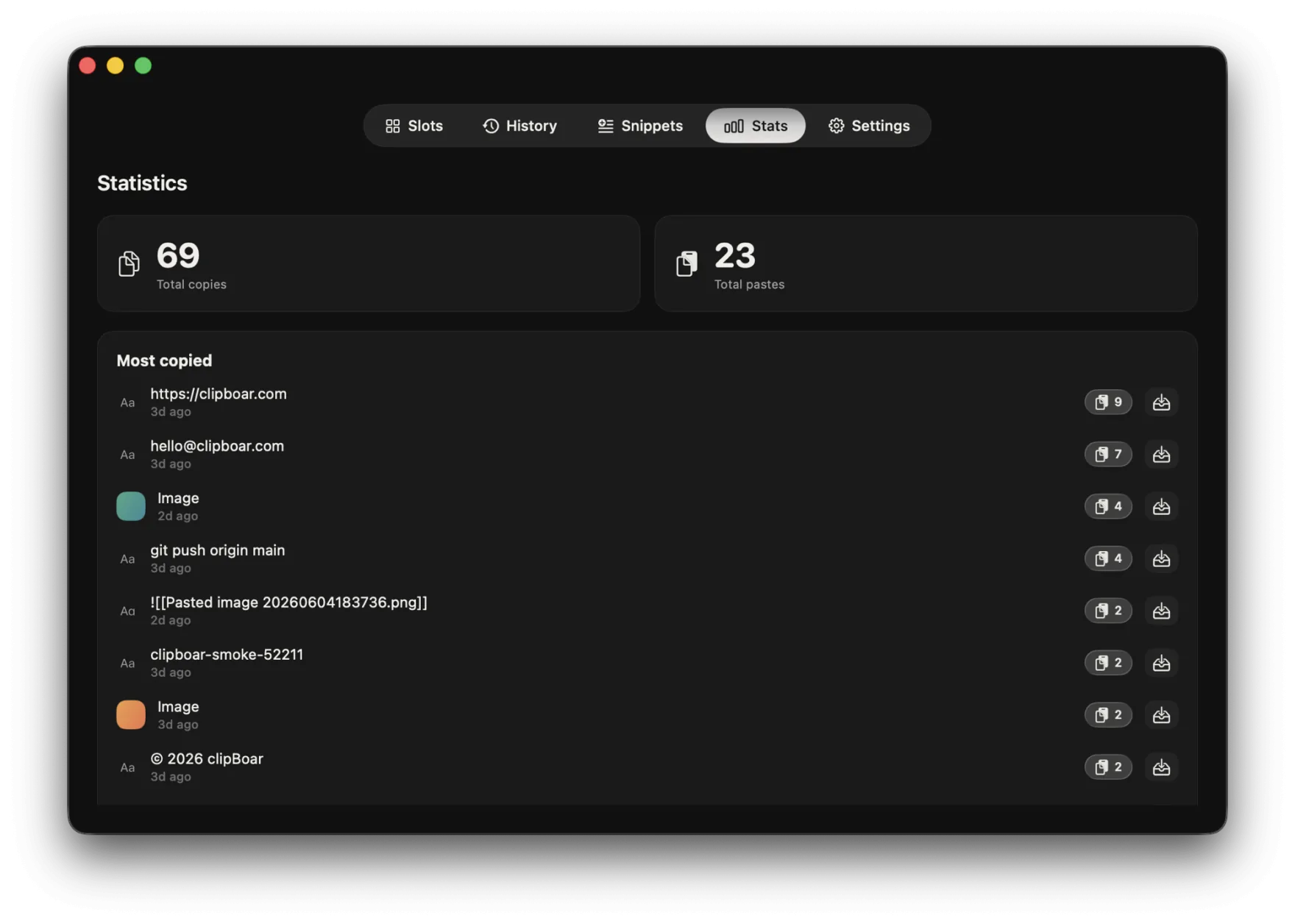
See what you copy most.
clipBoar keeps a quiet tally — your most-copied items, busiest slots, and copy/paste totals — on a Stats tab that's yours alone. Counted on your Mac, never sent anywhere.
Buy it once. Keep it forever.
- All ten hotkey slots, history & snippets
- One Mac at a time — move it whenever
- Free updates — no subscription, ever
- 7-day free trial, no card required
Ready when you are.
Download the full app and use it free for seven days — no card, no account. Buy it once if it earns its place.